How to Maximize Your LinkedIn Connection Request Acceptance Rate

Every day, thousands of LinkedIn connection requests go unanswered.
Yes, people are busy. But most requests give the recipient zero reason to say yes. Getting it right can transform your pipeline. Getting it wrong means you're invisible.
This guide distills the playbook used by top social sellers into a practical step-by-step framework.
1. Why Most LinkedIn Connection Requests Fail
The default LinkedIn behavior - hitting "Connect" with no message - is the equivalent of walking up to a stranger at a conference and handing them a business card.
You're asking for something (their network, their attention, their inbox) while giving them nothing to work with.
Even worse: many salespeople send a request that is transparently a sales pitch dressed up as a greeting. Recipients have seen these a thousand times. They can identify them from the first sentence.
The core problem: most people connect with strangers and then sell to them.
The playbook that works flips this: you warm people up first, then connect. By the time you send the request, they already know who you are.
Understanding why requests fail is the first step to fixing them. The most common reasons:
- No context - the recipient has no idea who you are or why you're connecting
- Obvious pitch energy - the note reads like a sales email
- Generic template - nothing in the message is specific to them
- No prior engagement - you've never appeared in their feed before asking for access to their inbox
2. Identify and Prioritize the Right Buyers
Sending connection requests to everyone is a waste of your weekly limit. LinkedIn allows roughly 100 connection requests per week (closer to 150 with a paid account). Spend them wisely.
Start With Your Best Customers
Look at your top-converting, highest-retention customers. What do they have in common — industry, company size, job title, growth stage?
That profile becomes your targeting filter. Use LinkedIn Sales Navigator to find similar contacts at similar companies.
Focus on In-Market Buyers
Even within your ideal accounts, not everyone is actively looking. The key is identifying people who are already signaling intent; competitor research, hiring patterns, or interacting with certain topics online are good examples.
Reaching out to someone who is already in-market is dramatically more effective than cold outreach to someone who isn't.

3. Warm Up Before You Connect
This is the step most people skip — and the one that makes the biggest difference. The most effective LinkedIn prospectors don't start with a connection request. They start by showing up where their prospects already are.
1. Engage with their content first
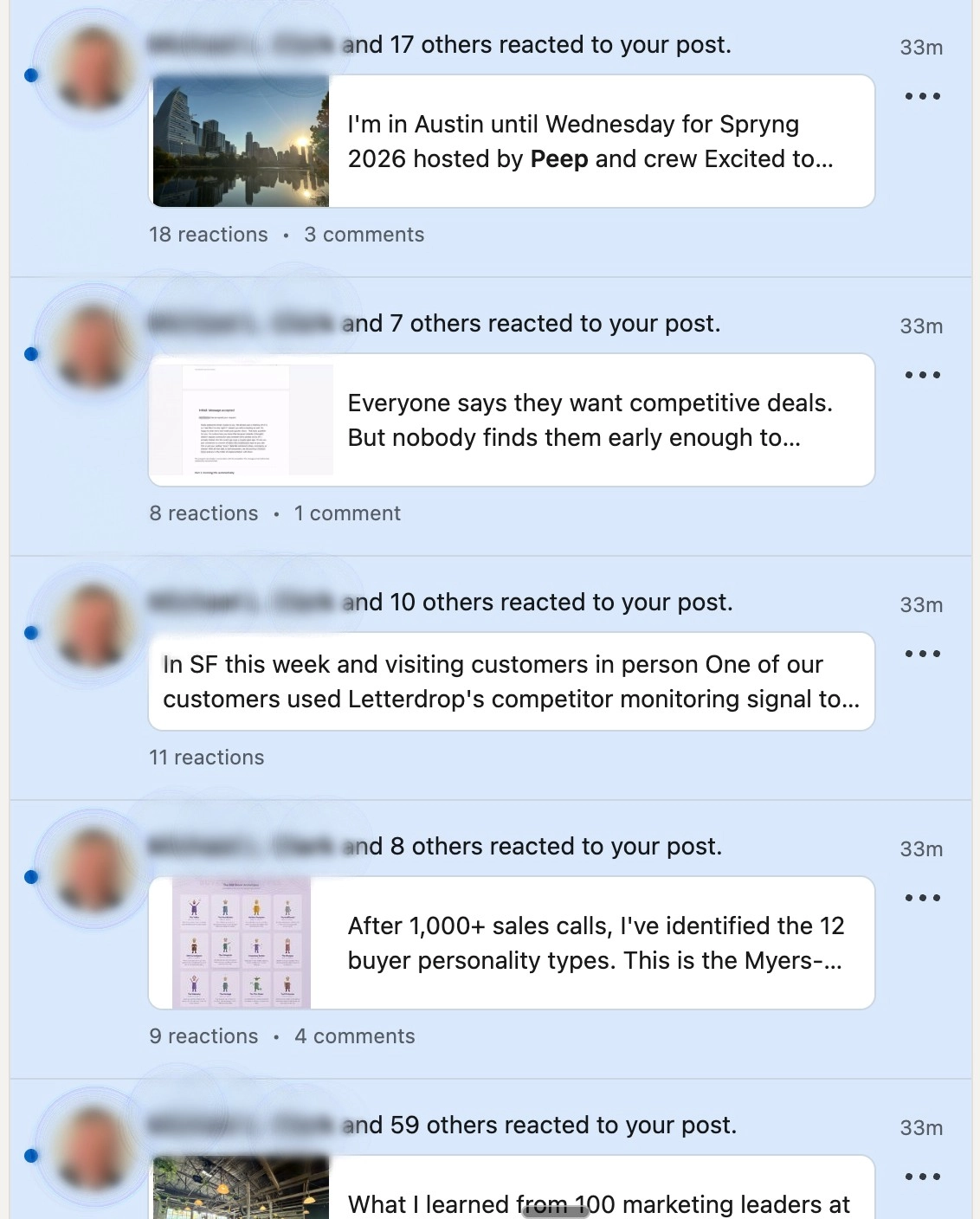
Like and - more importantly - comment on two or three of their posts before you send a request. Not "Great post!" but something that adds genuine perspective, asks a smart question, or shares a relevant experience. This puts your name and face in front of them in a non-threatening, value-positive context.
2. Let them get curious about you
When someone sees you've engaged thoughtfully with their content multiple times, they become curious about who you are. Some will visit your profile before you ever reach out — which is why step 2 matters so much. You've created familiarity without making a single ask.
3. Now send the request, with a note
With context established, your connection request lands as a natural next step rather than a cold interruption. Reference something specific. Keep it short. Make it about them, not you.
4. Best Practices for Connection Requests
There's a nuance here that most guides get wrong: whether to include a note at all depends on context.
Do this
- Send a blank request if you've never met and have no shared context — a generic note is worse than no note
- Add a personalized note only when you have something specific and genuine to say
- Reference a mutual connection by name when one exists (this unlocks 50%+ acceptance rates)
- Engage with their posts before sending. It dramatically increases acceptance
- Withdraw requests not accepted within 1–2 weeks and try again later
- Keep notes short, 2 to 3 sentences maximum
Avoid this
- Pitching in the connection note — ever
- Sending a templated note that could have been sent to anyone
- Leaving too many outstanding requests — LinkedIn interprets this as spam
- Connecting with everyone on a list without checking fit
- Using InMail as a substitute — it reads like an ad
- Writing a long note that requires effort to read
The one time a connection note is almost always worth including: when you have a named mutual connection or a specific touchpoint, such as "Been speaking with John about your cost optimization project, he thought it made sense for us to connect." Acceptance rates for notes like this exceed 50%.
5. What to Say (and Not Say) in Your Note
When you do include a message, every word counts. Here's the difference between a note that gets accepted and one that gets ignored.
What not to send
"Hi [Name], I help B2B SaaS companies improve their marketing ROI through our platform. I'd love to connect and share how we've helped companies like yours grow 3x faster. Let's chat!"
This fails because it leads with a pitch, it's about the sender rather than the recipient, it's an obvious template, and it asks for something (a chat) before earning the right to ask.
What actually works: peers in the same space
"Hi [Name], we seem to overlap in the B2B SaaS/growth world. I've found your posts on pipeline efficiency really useful, thought it made sense to connect."
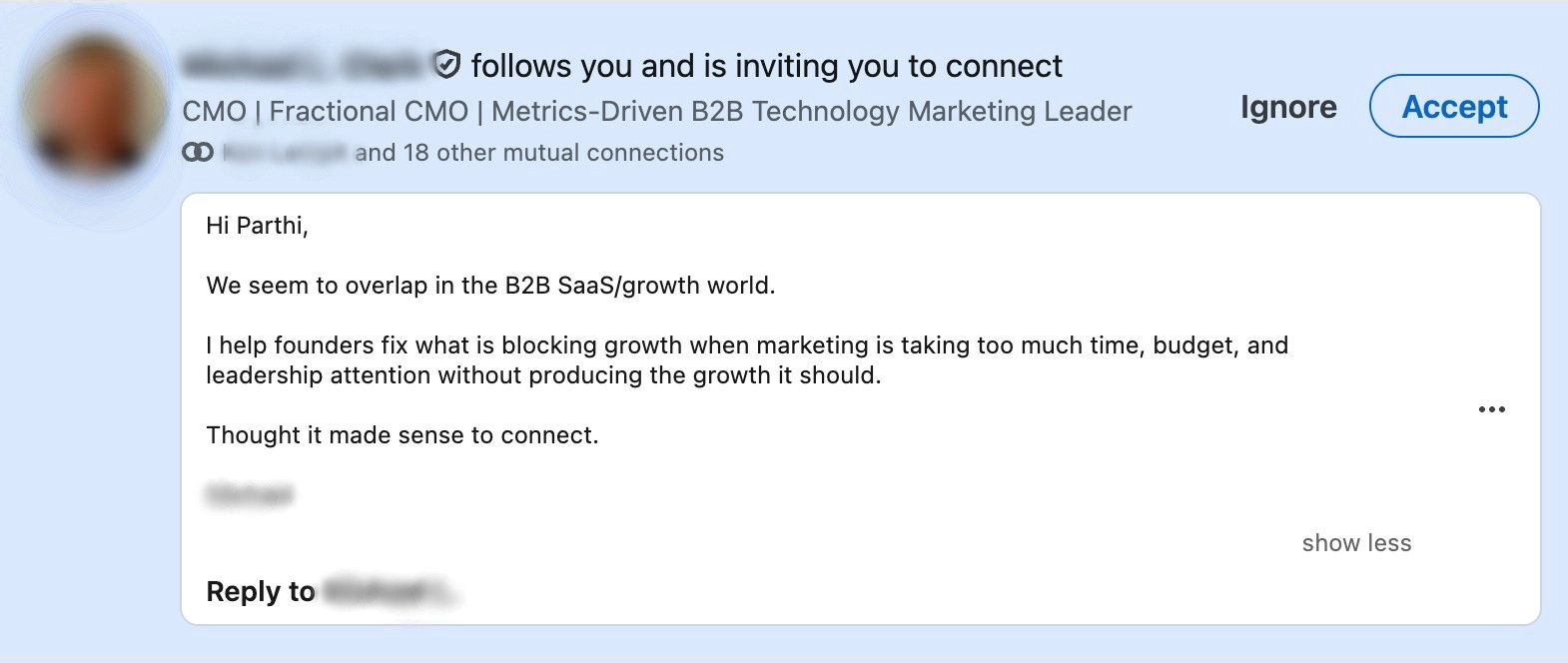
An example of a good note
What actually works: multithreading into a deal
"Hi [Name], been speaking with [Champion] about the cost optimization project. They mentioned this would be relevant to you — thought I'd connect."
What actually works: after engaging with their content
"Hi [Name], commented on your post about [topic] last week — really resonated. Thought it made sense to connect properly."
Notice what these have in common: they're specific, they're short, they reference a real shared context, and they ask for nothing beyond the connection itself.
6. How to Find Warm Leads Using Signals
Once you're connected and posting consistently, LinkedIn activity gives you powerful signals about who is ready for a conversation.
1. Engagement Signals to Watch
Likes or comments on your posts
Open a conversation: "Saw you're thinking about [topic]. How have you been dealing with [problem]? [Customer] solved it by [solution]."
New followers of your company page
"Saw you might be exploring [category]. Using anything today? I know a thing or two about [problem you solve]."
Competitor interactions
If they seem like a customer: "Saw you might be using [competitor]. They're great for [X], but if you're dealing with [Y]..." If they're just exploring: lead with the problem, not the product.
People complaining about competitors
Search "[competitor name]" + "slow", "not working", "alternative", "issue". These are buyers in active pain — the warmest possible outreach.
2. Proactively Finding Prospects When Inbound Is Low
If your own content isn't generating enough engagement yet, search for relevant conversations.
Look for people posting about the problems you solve. Search for your company name and join those threads. Watch competitor posts — their followers and commenters are potential leads who are already category-aware.
3. Multithreading: Connecting With the Full Buying Committee
Most deals involve more than your primary champion. Use LinkedIn to get in front of other stakeholders before they become blockers. Ask your champion who else is involved, then send those contacts a request:
"Been speaking with [Champion] about the [project]. They mentioned this would be relevant to you."
This is one of the few times a connection note is almost always worth including. With a named mutual touchpoint, your acceptance rate should be well above 50%. More importantly, when your champion brings you up internally, those stakeholders already know your name.
7. What to Do After They Accept
Accepting a connection is not an invitation to be pitched. This is where most salespeople throw away all the goodwill they built getting accepted in the first place.
The Right Way to Follow Up via DM
- Keep messages short and casual: LinkedIn DMs are closer to texts than emails. Walls of text kill response rates.
- Don't send links in first messages: it feels transactional and raises suspicion.
- If someone engaged with your content, reference it: "Thanks for the follow, anything I posted recently catch your eye?"
- Use video or voice notes sparingly and only when genuinely personalized. AI-generated or generic videos erode trust fast. Keep them under one minute, with a text preview: "Quick 1-min video for you re: [topic]."
- Never connect and immediately pitch. The relationship has to earn the right to sell.
Unlike email where inboxes are flooded, LinkedIn DMs have far less competition.
If you've engaged with someone's content before messaging them, your chances of a reply increase significantly. InMails, on the other hand, feel like ads. If you have to pay to reach someone, they know it's a pitch.
Post Consistently to Stay Top of Mind
Your new connections follow you, which means your content reaches them without any additional effort on your part.
Posting 2 to 3 times per week keeps you visible in their feed and builds the familiarity that makes future outreach land.
Posts have roughly a 48-hour shelf life, so consistency matters more than volume.
Focus on answering common prospect questions, sharing quick industry insights, giving takes on trends, and occasionally showing what your product actually does.
8. How to Track and Improve Your Acceptance Rate
In the long run, only one metric truly matters: closed revenue. But while you're building the habit, track these leading indicators to diagnose what's working and what isn't.
Connections and followers
Are the right buyers accepting? Are followers resurfacing later in deals?
Meetings booked
Are you booking more conversations? Are stalled deals reviving from LinkedIn activity?
Inbound interest
Are buyers reaching out because they saw your content or visited your profile unprompted?
Diagnosing What's Broken
- Requests not being accepted → Your profile may look too salesy, or you're not warming up first
- Accepted but no replies to DMs → Your messages are too pushy or too long
- Posting but not booking meetings → Your content is attracting other sellers, not buyers — connect with more prospects
- Good engagement but no pipeline → Focus more on outbound follow-up with the people engaging
Add "How did you hear about us?" to your demo request forms.
Use UTM links to track traffic from your LinkedIn profile.
These small tracking habits will tell you whether your LinkedIn activity is actually influencing pipeline.
Subscribe to newsletter
No-BS GTM strategies to build more pipeline in your inbox every week
Related Reading
Some other posts you might find helpful